Creating online terms via Legal Hub Agreements
Last updated: May 20, 2026
Understanding Legal Hub Agreements
The Agreements tab within Legal Hub allows you to host your standard terms—such as Terms of Use, Legal Guides, and Privacy Policies—online. With Legal Hub Agreements, you can seamlessly track all hosted online terms in a central place and push updates effortlessly.
Navigating to Legal Hub Agreements
For Clickthrough Customers
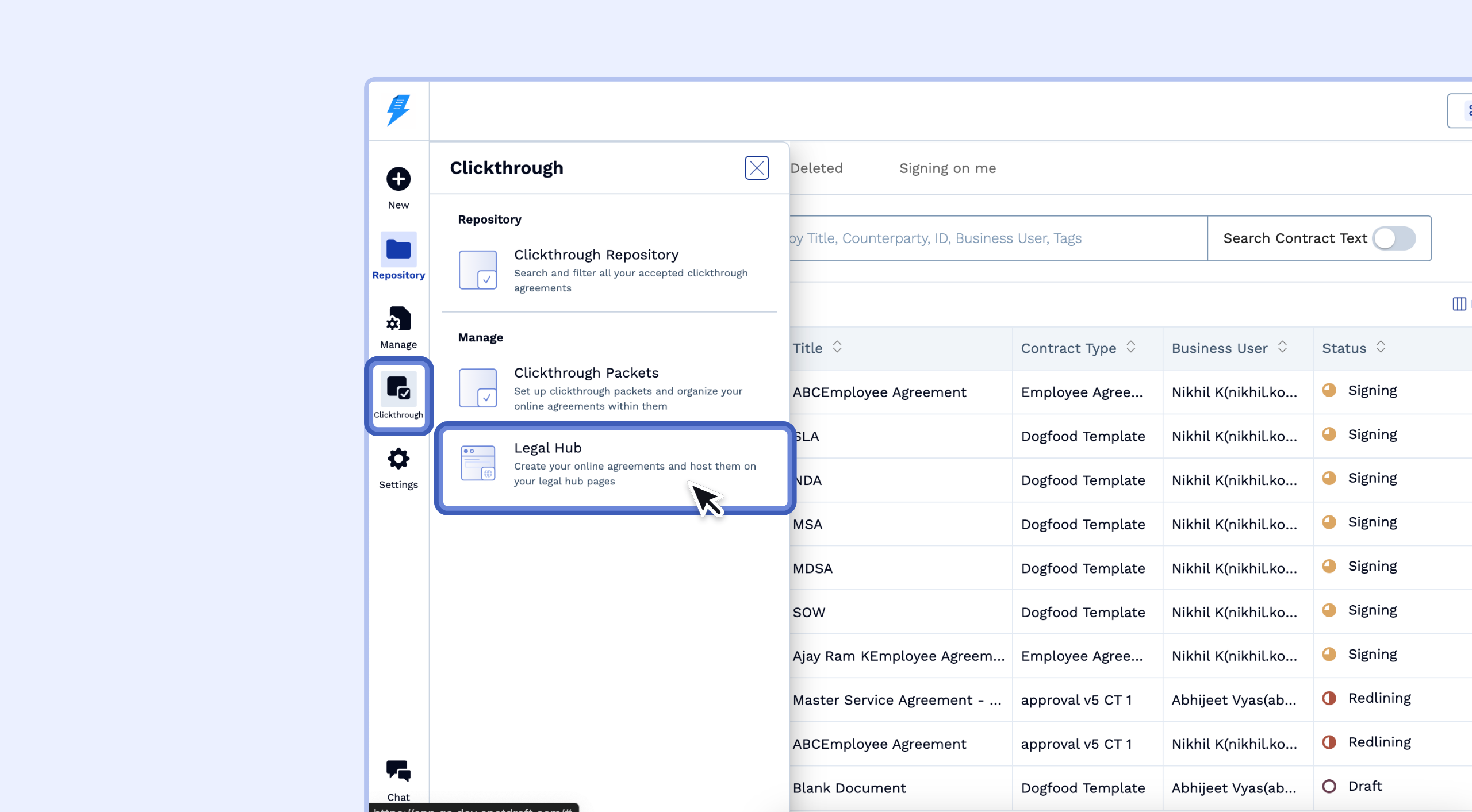
Click on the side navigation menu and select Clickthrough.
Navigate to Legal Hub.
For Legal Hub Only Customers
Click on the Legal Hub menu.
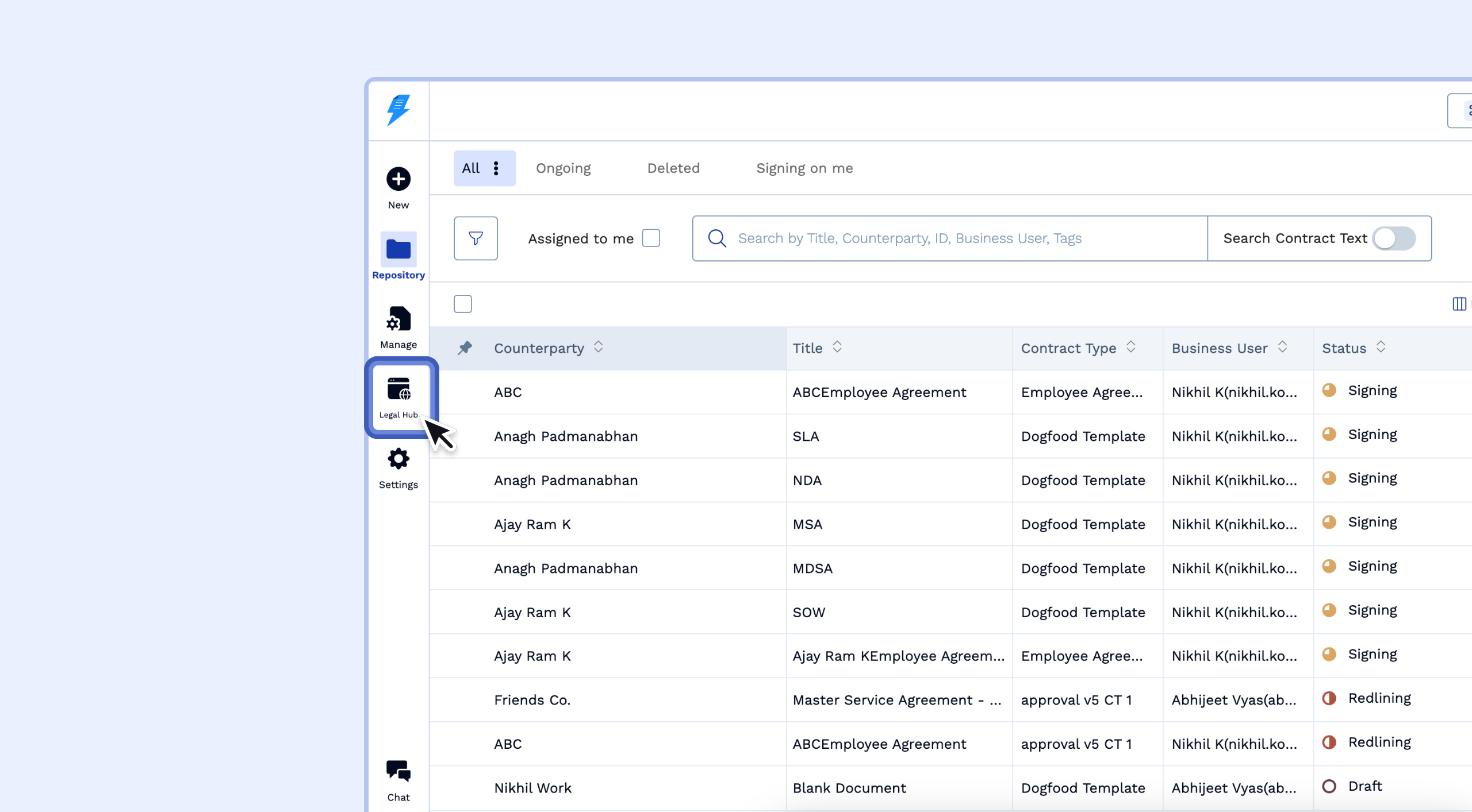
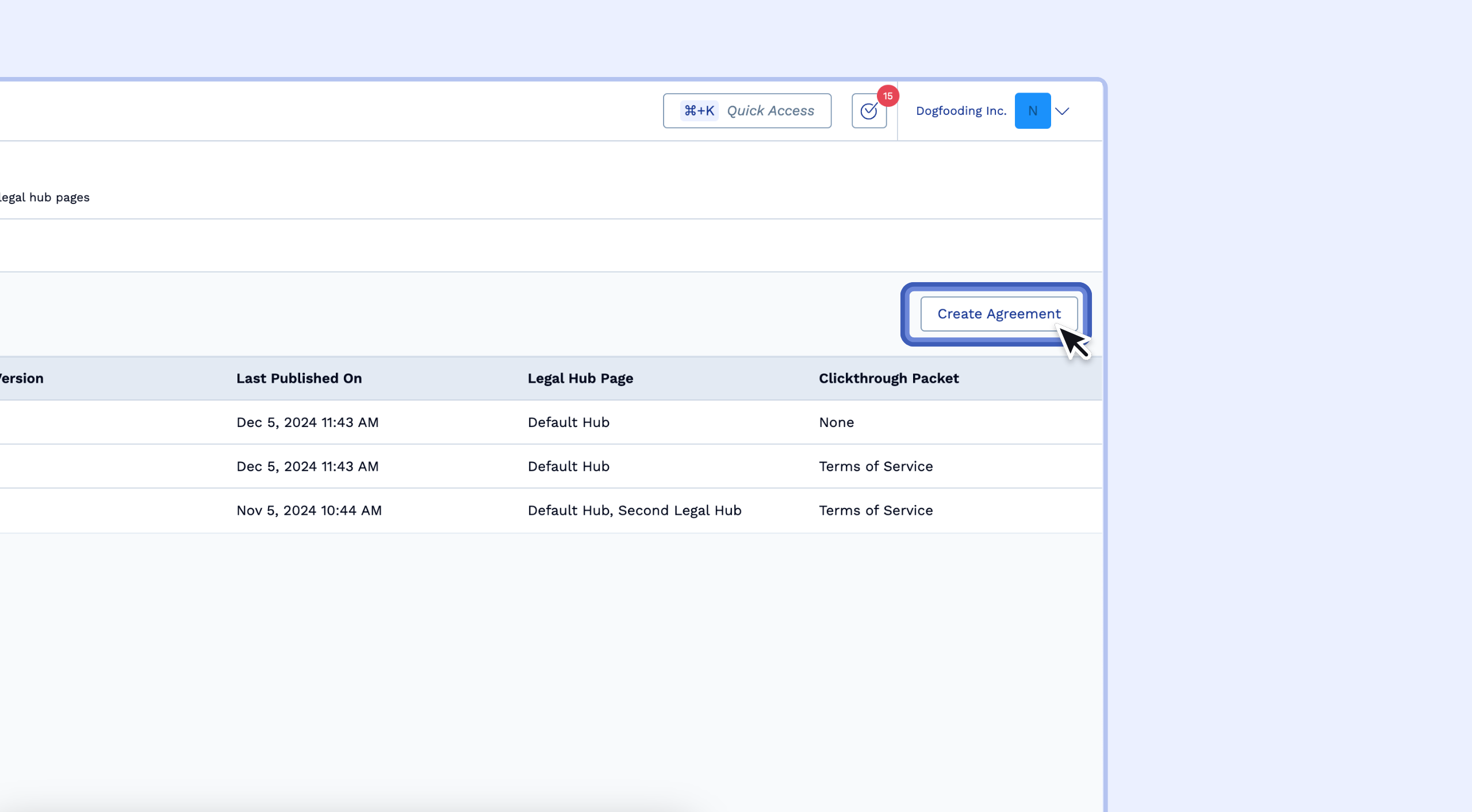
Here, you can see all your published online terms, including their current version and the date they were last published.
Creating an Agreement via Legal Hub Agreements
Click on the Create Agreement option.
Give your agreement a name
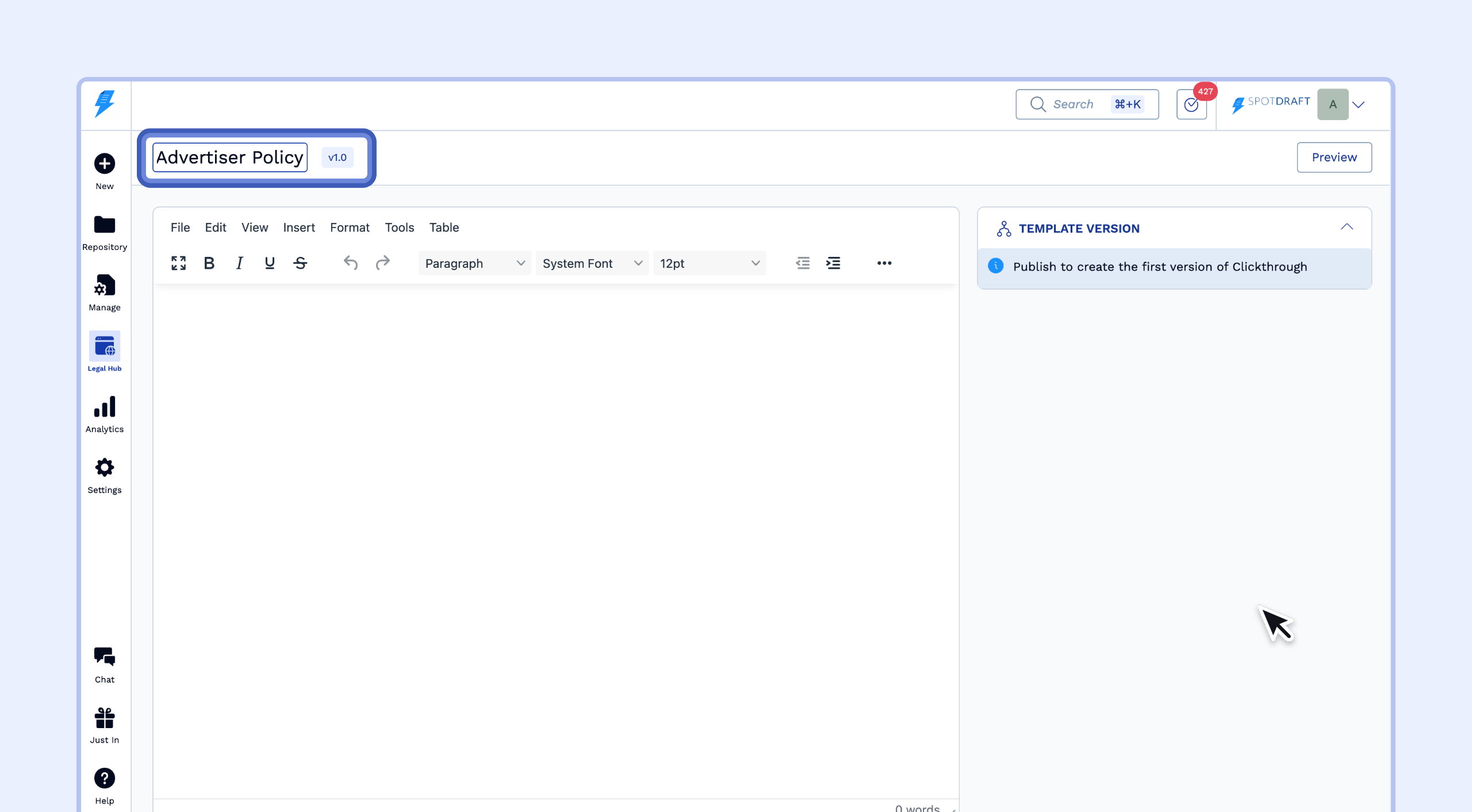
Copy and paste the entire agreement document into the agreement editor.
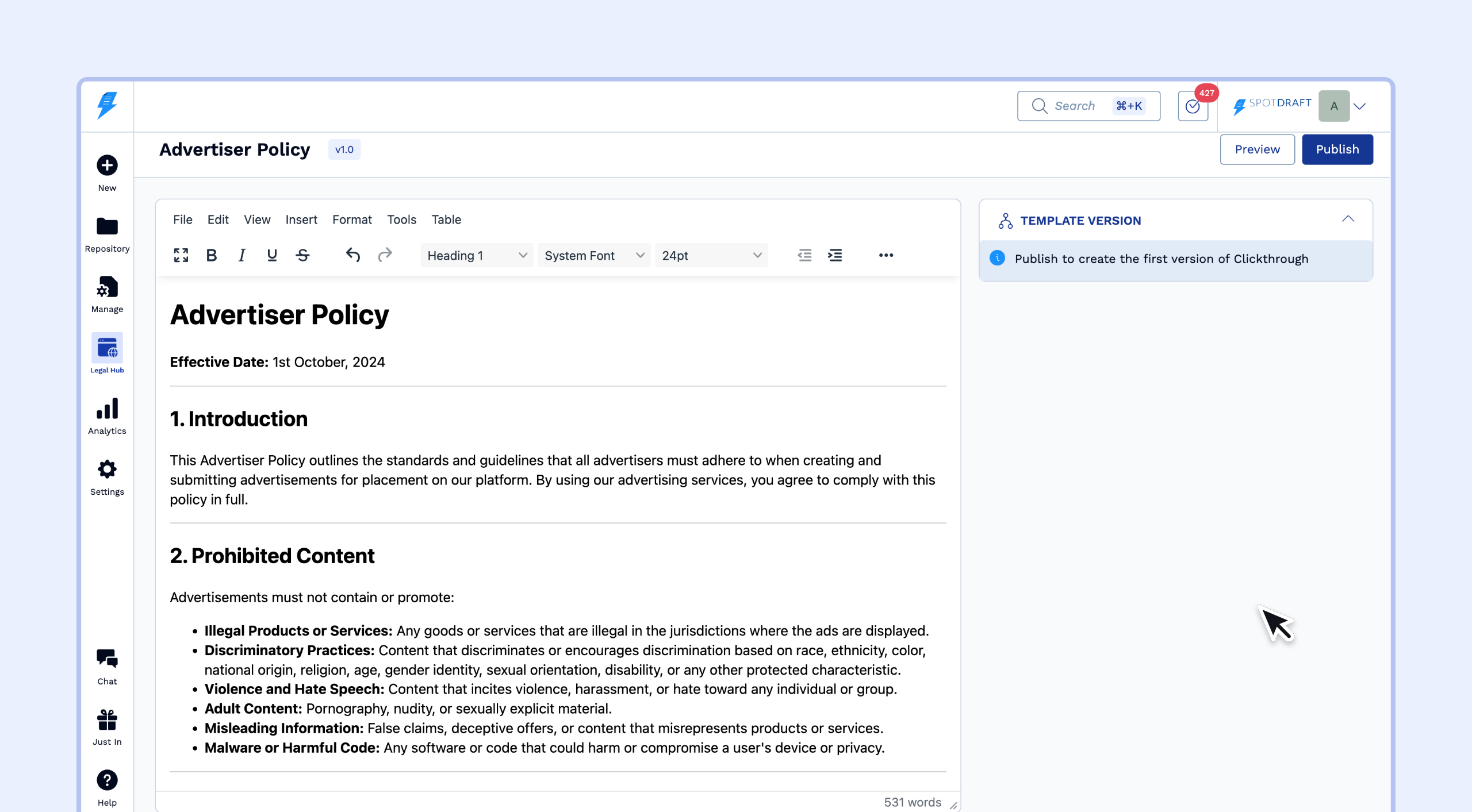
After entering your content, you can either publish immediately or save your work as a draft to continue later. See the next section for details on saving drafts.
Saving an Agreement as Draft
Saving an Agreement as Draft
Instead of publishing right away, you can save your work in progress and return to it later.
After entering or editing your agreement content, click Save Draft.
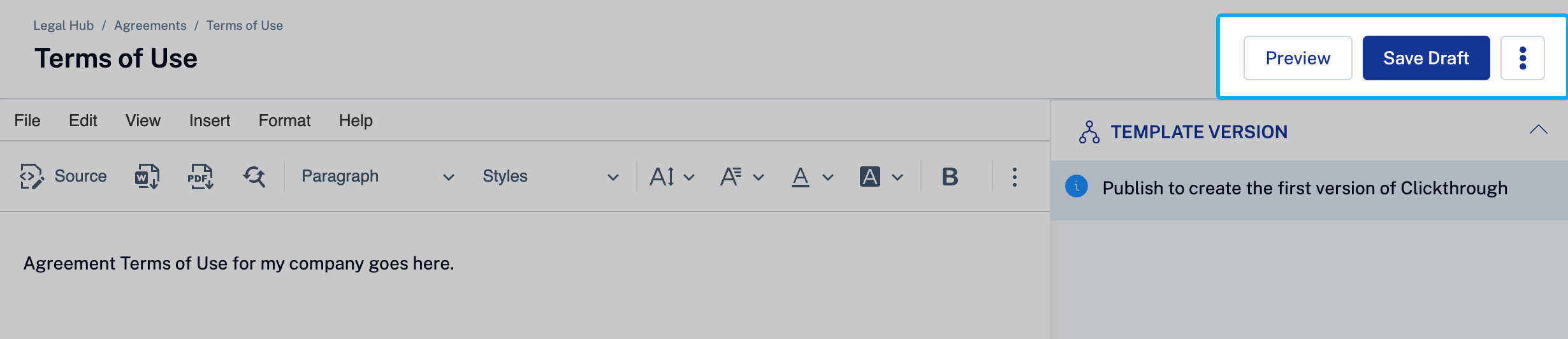
Your changes are saved, but the agreement is not visible on the public Legal Hub page.
You can close the tab and return to the draft at any time from the Agreements list.
To continue editing, open the agreement and click View Draft from the banner at the top.

You can save additional changes to the same draft as many times as needed before publishing.
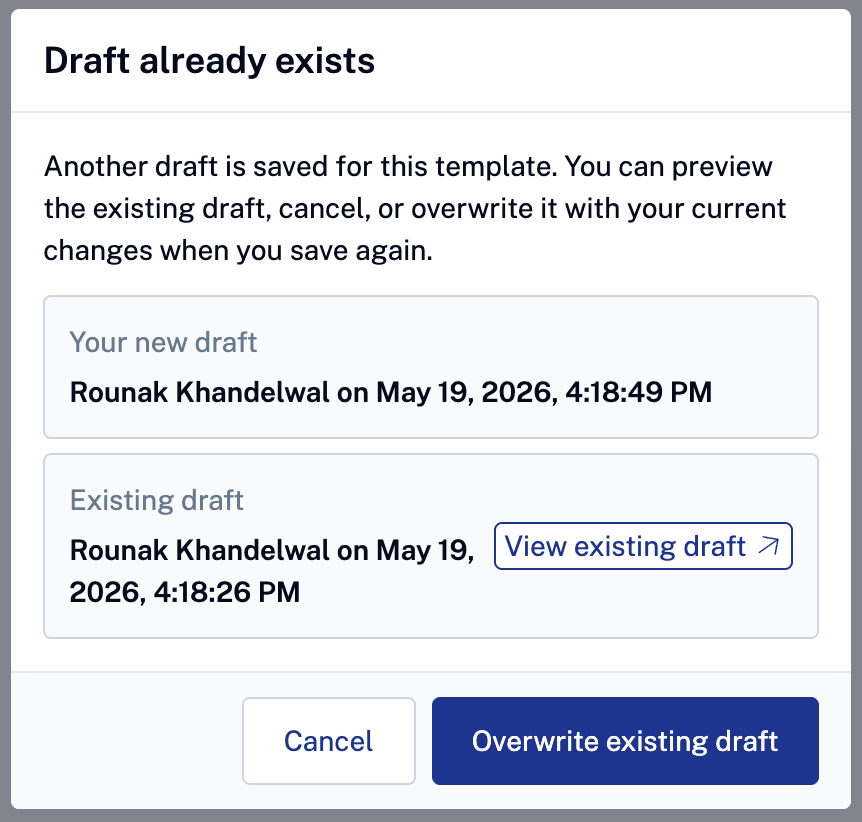
Note: Only one draft can exist per agreement. If a draft already exists and you attempt to create a new one, a modal will appear showing the existing draft details. You can choose to View Existing Draft or Overwrite it with your new changes.
Resuming and Managing Drafts
Resuming and Managing Drafts
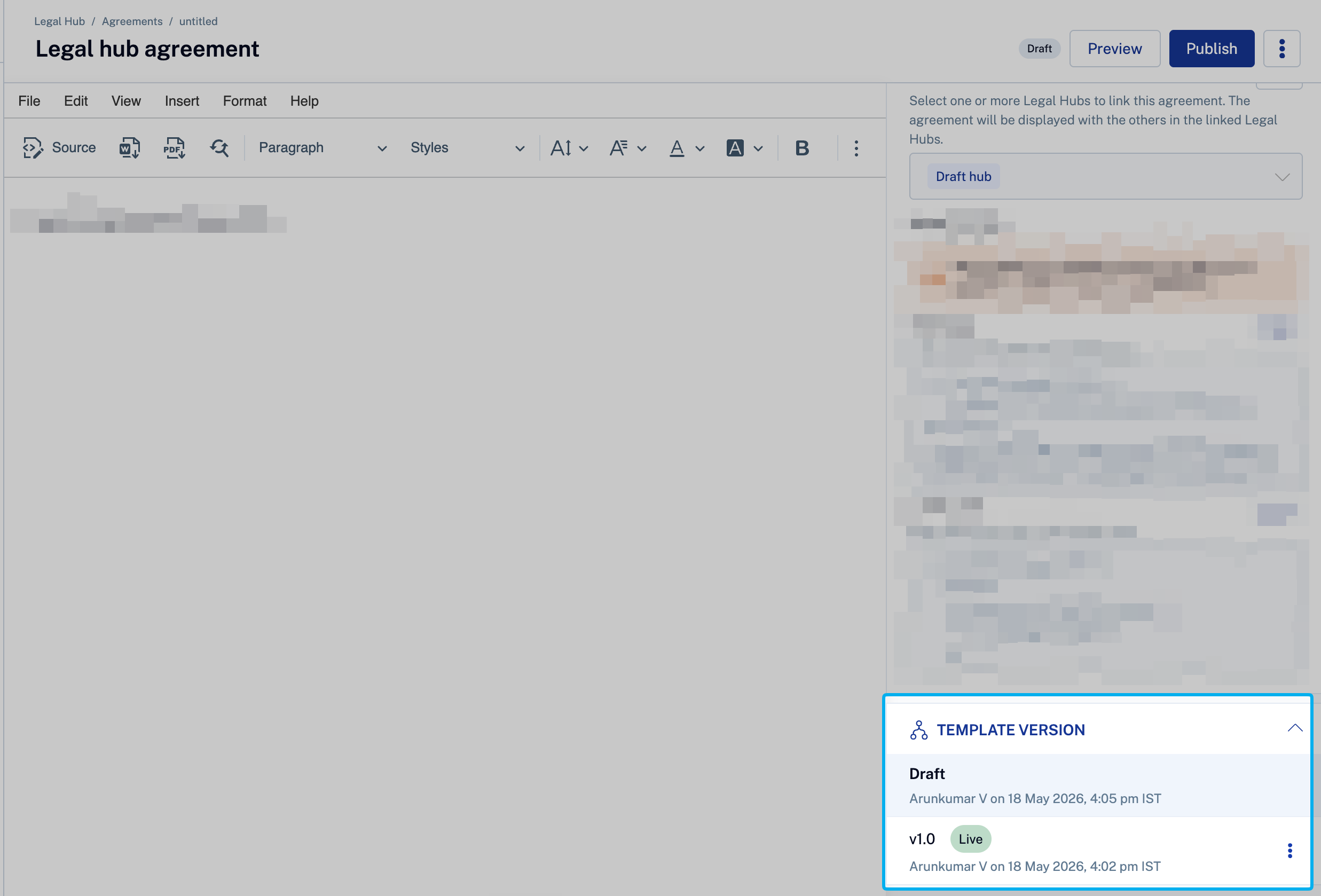
When you open a published agreement that has a pending draft, a banner at the top of the page will indicate that unpublished changes exist.
Click View Draft to resume editing your saved draft.
You can also switch between the published version and the draft version using the Template Version selector at the bottom left of the screen.
Publishing an Agreement
After creating or editing the agreement (and saving it as a draft), click Publish to make the terms available online.
Choose to publish the term as either a major version or a minor version.
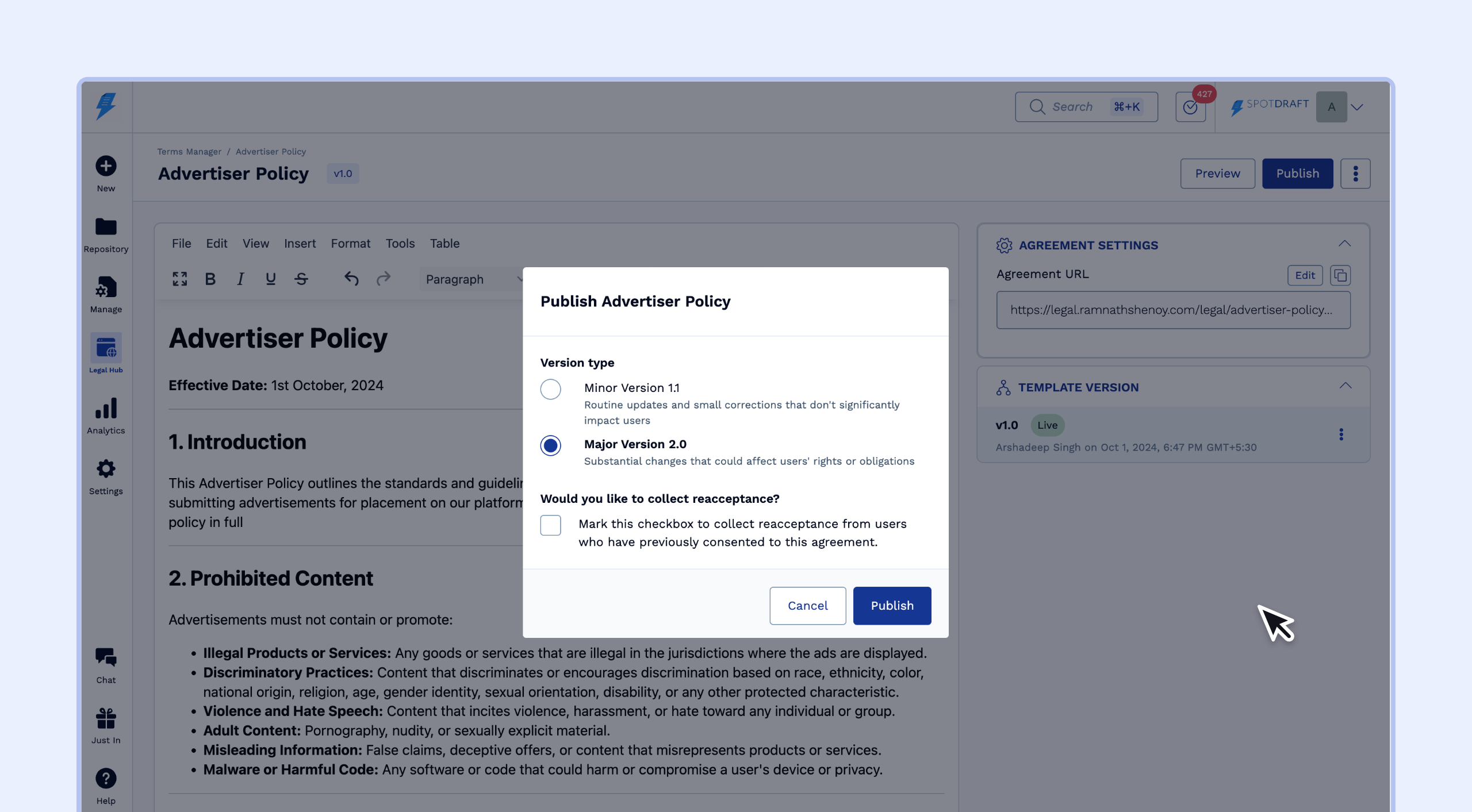
When publishing a brand-new agreement for the first time (one that has only existed as a draft), the system creates version v1.0 directly without prompting for major or minor version selection.
Once published, any saved draft for this agreement is automatically removed. The published version becomes the latest active version.
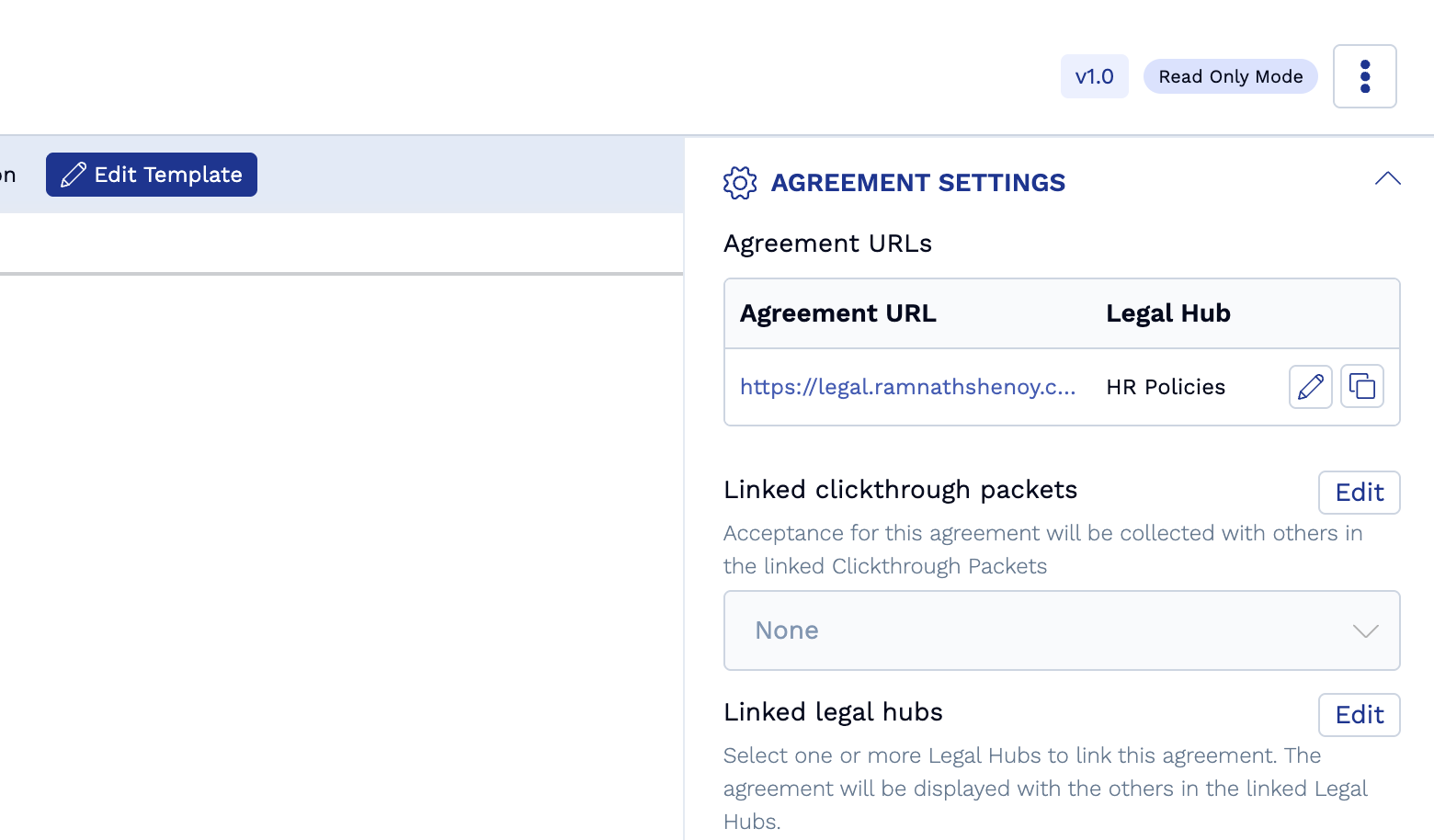
You can click on the Agreement URL or Paste it in your browser to view the Published Agreement.