Sidebar, now embedded in the CLM
Last updated: July 27, 2026
Overview
Sidebar is now available directly inside the CLM for every Sidebar customer. It's also context aware: on the repository page, your filters and contract selections become Sidebar's scope automatically, and on a single contract page, that contract is tagged into the conversation for you. Sidebar V2 is the default everywhere Sidebar appears.
Why are we making this change?
Sidebar used to live at a separate address (sidebar.spotdraft.com), in its own tab, with its own page. That meant typing out context (which contract, which filter, which selection) every time you wanted help, and also navigating to a new page, which made Sidebar a bigger lift to reach for than it should have been for quick, in-flow questions.
What's new
Available right inside the CLM
Click the Sidebar button from within the CLM using your existing session. No separate credentials, no new tab.
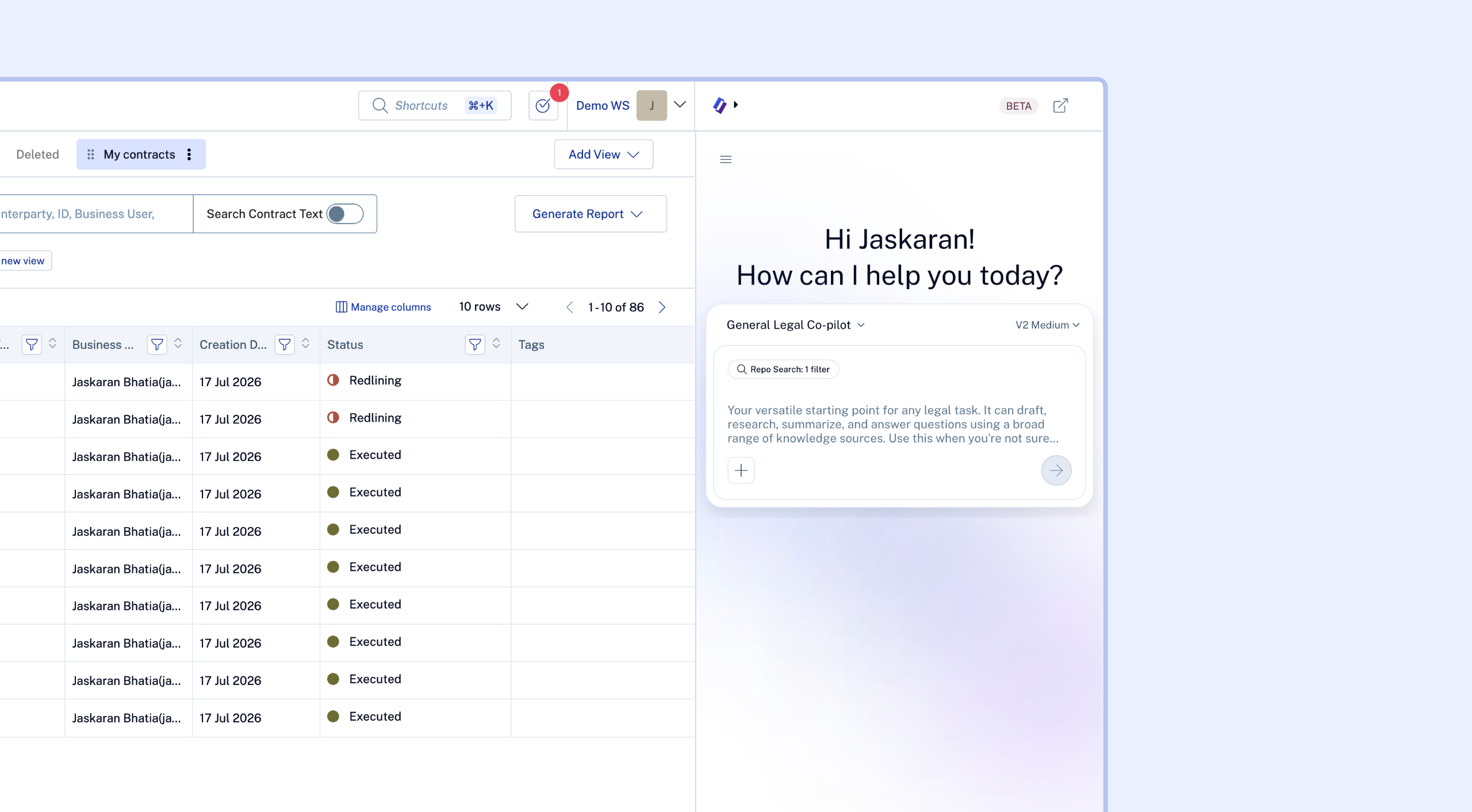
Filters and selections on the repository page become Sidebar's scope
When you're on the repository page with a filter applied or a set of contracts selected, that becomes what Sidebar works with, automatically.
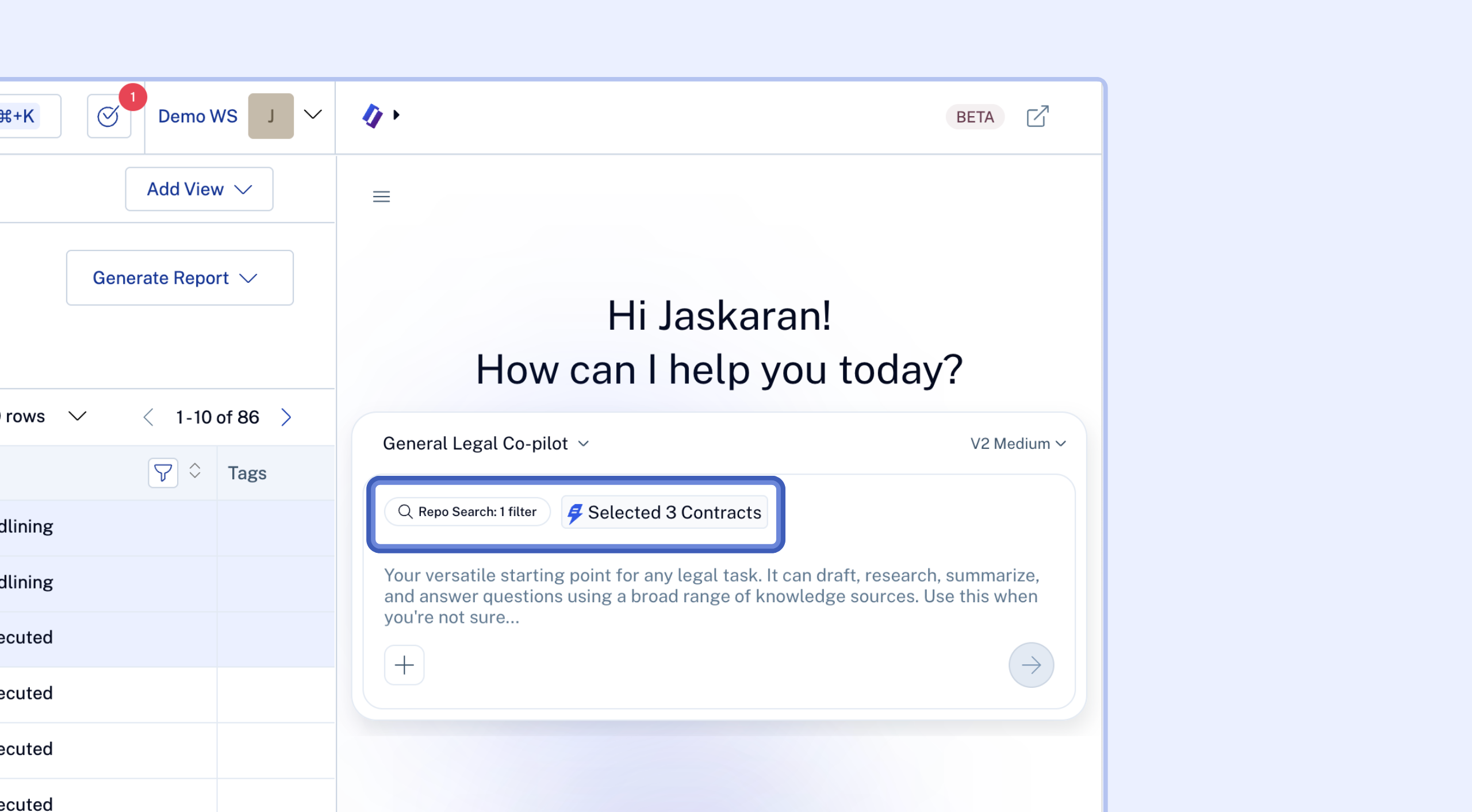
Ask a question and Sidebar answers against exactly the contracts you've filtered to or selected; no need to describe or re-attach them yourself.
Contract pages are automatically in scope
Open Sidebar from a single contract page and that contract is tagged into the conversation before you ask anything.
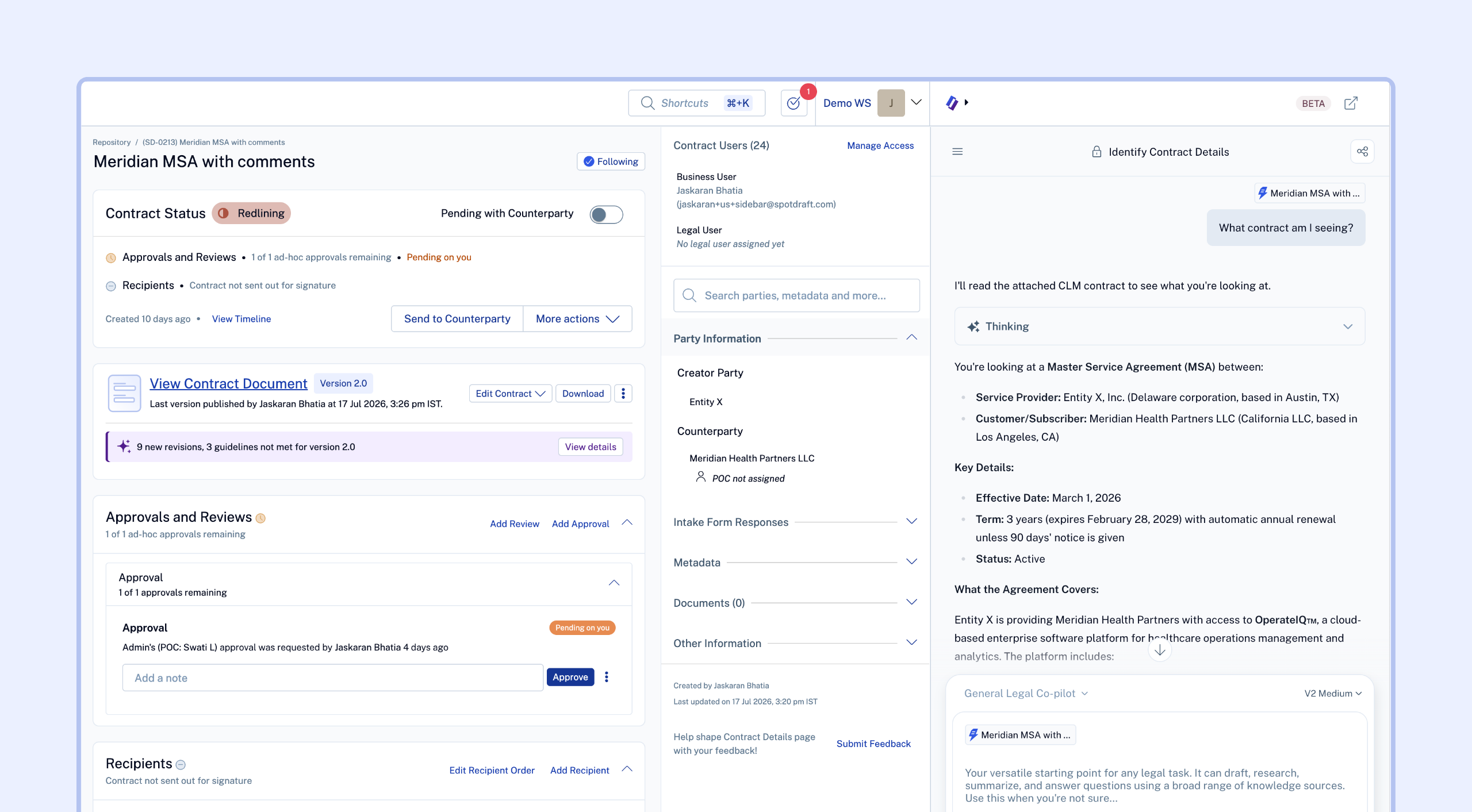
Ask something like "what contract am I seeing" or "what's the termination clause here," and Sidebar already has the right document loaded.
V2 by default
Every entry point above now defaults to Sidebar V2, SpotDraft's rewritten agent architecture built for longer, more complex, multi step tasks.
First Time Users
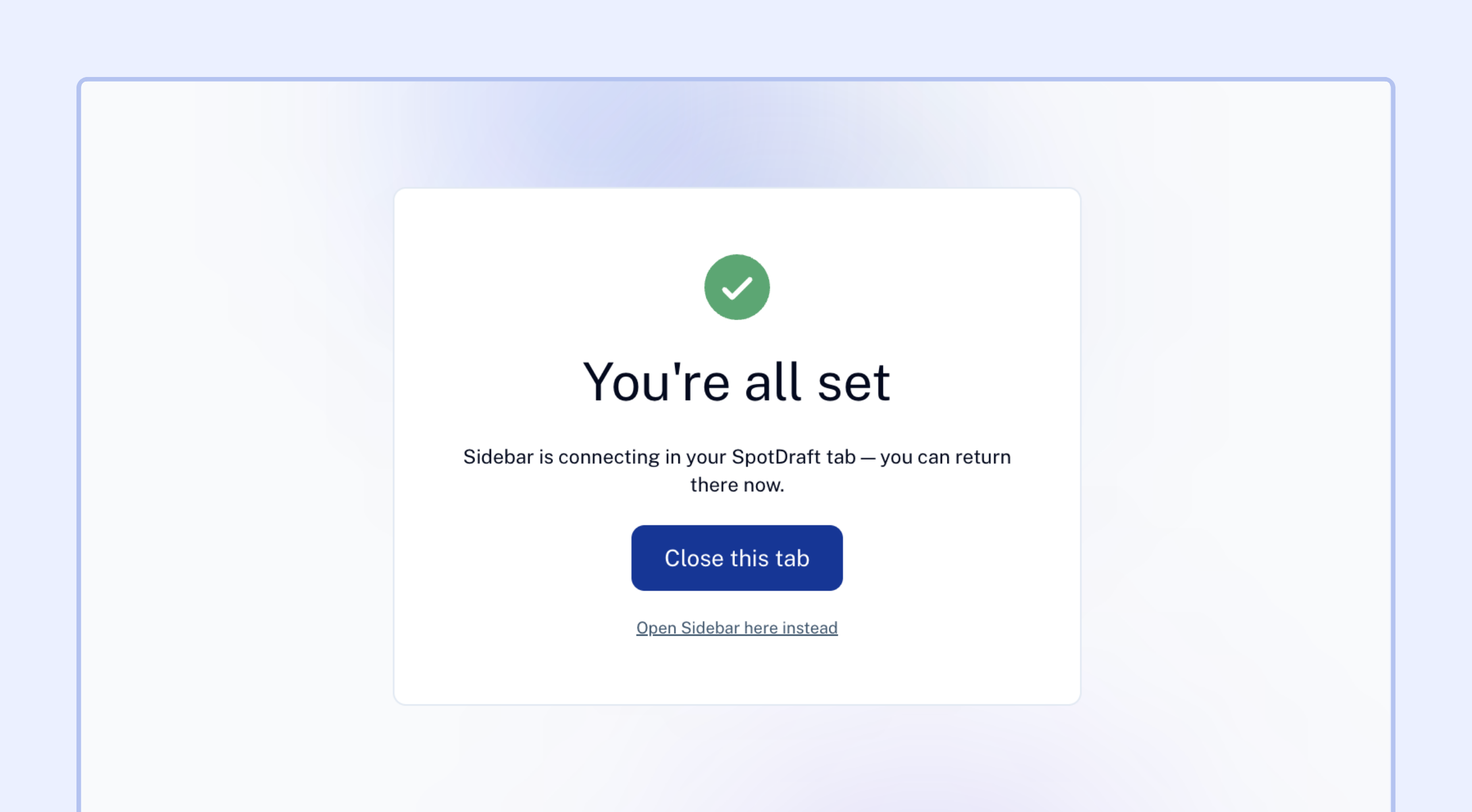
First time users of Sidebar (those who haven't ever logged in to sidebar.spotdraft.com) will see a "Set up Sidebar" screen when they click the Sidebar button in the CLM. This will take them to a new page for a one-time setup.
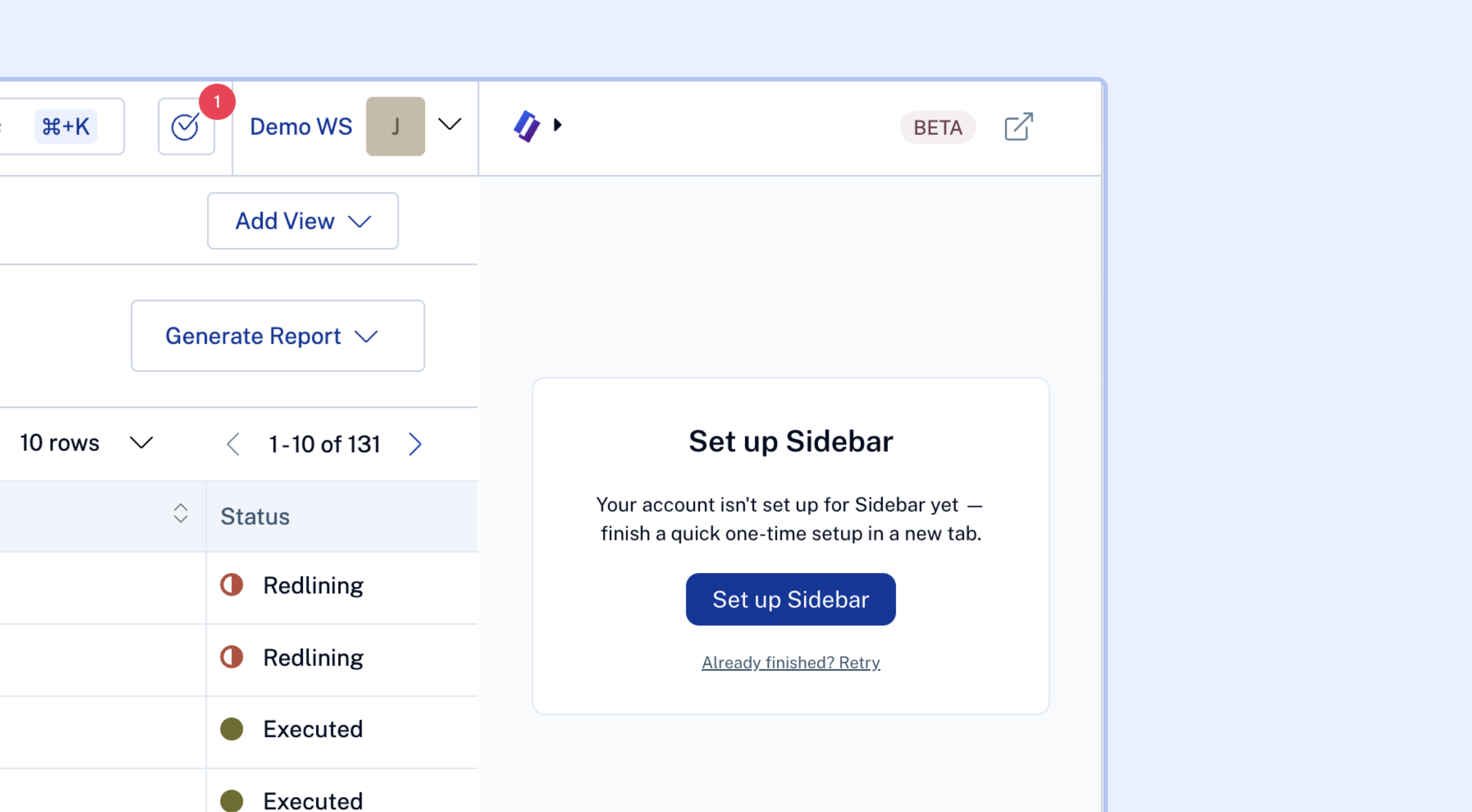
Once the set up is complete, you will be able to navigate back to the CLM and use Sidebar as usual.
FAQ
Do I need to do anything to get this?
No. This is live for all Sidebar customers, no setup or flag required.
Can I remove a filter, contract, or tag Sidebar picked up automatically?
Yes. Auto attached context (filters, selected contracts, tagged contract) shows as a removable chip in the Sidebar panel, so you can clear it if you want Sidebar working from a different or broader scope.
Does this replace the standalone Sidebar app?
No. The standalone URL sidebar.spotdraft.com still works the same way. This adds an embedded entry point inside the CLM on top of it. You can open Sidebar in the full-screen view by clicking the "Redirect" icon in the top right of the Sidebar pane.